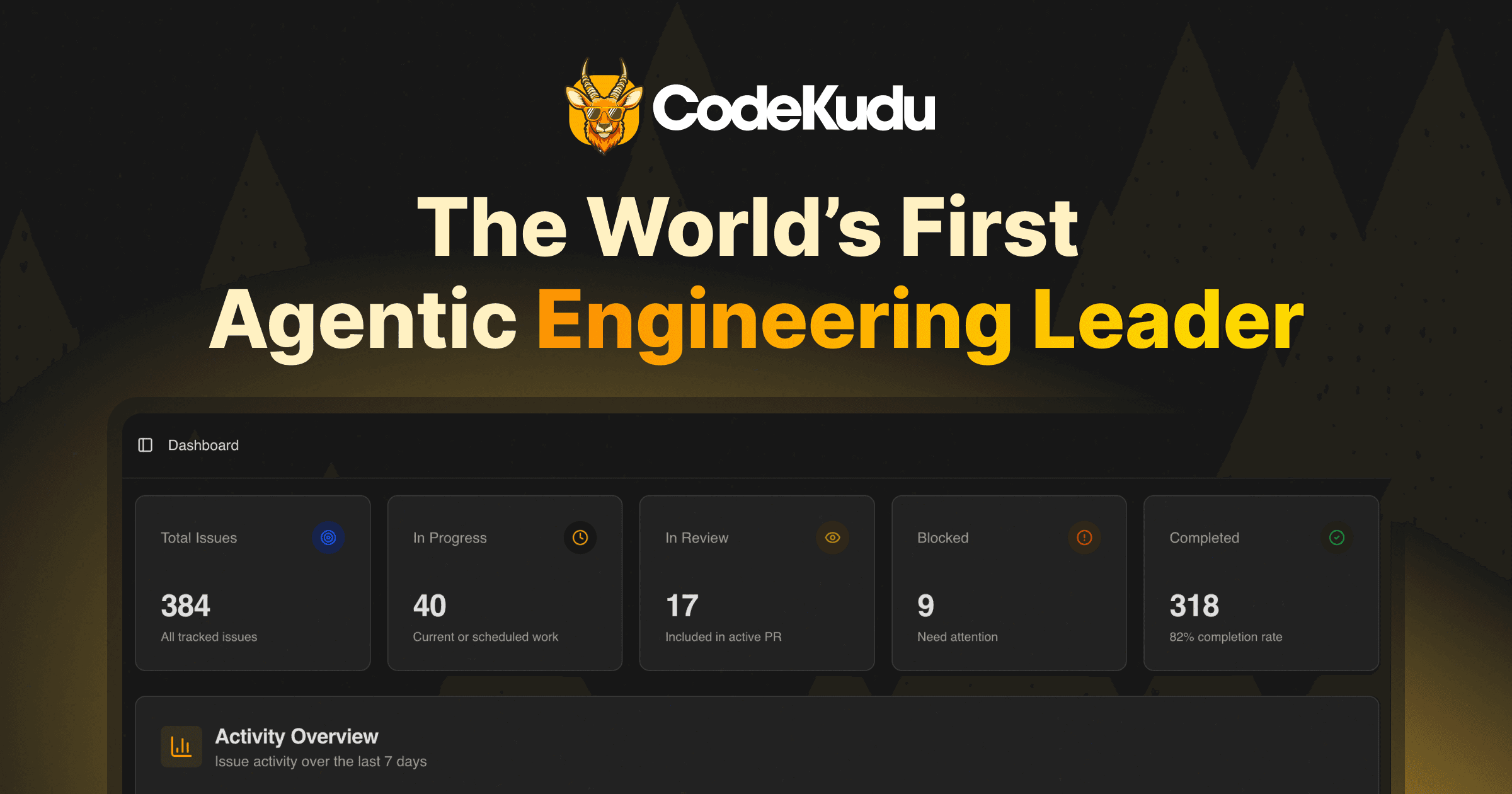
Screenshot API
Compose a styled screenshot (background, padding, rounded corners, shadow, blur, and image filters) via a single POST request. No API key required.
Endpoint
POST https://freeplaceholder.com/api/screenshot
Content-Type: multipart/form-data
Form fields
| Field | Type | Default | Description |
|---|---|---|---|
| image | file | _required_ | Screenshot to frame (PNG, JPEG, WebP, GIF). Max 10 MB. |
| bg | string | #f0f0f0 | Solid hex (#rgb, #rrggbb) or CSS linear-gradient(...) when not using bg_image. |
| bg_image | file | — | Optional background image (max 5 MB). Overrides solid/gradient bg. |
| width | number | 1200 | Output width in px (64–4096). |
| height | number | proportional | Output height in px (64–4096). If omitted, defaults to 3/4 of width. |
| padding | number | 80 | Padding from canvas edge to the screenshot frame (px). |
| scale | number | 0.8 | Screenshot size as a fraction of the padded inner area (0.05–1). |
| radius | number | 12 | Corner radius on the screenshot (px). |
| object_fit | string | contain | How the screenshot fills its frame: contain (letterbox), cover (crop), fill or stretch (distort to fill). Alias field: screenshot_fit. |
| shadow | string | md | none, sm, md, lg, xl. |
| shadow_direction | string | all | all (soft omnidirectional) or bottom (drop shadow). |
| blur | number | 0 | Extra blur on **background image** only (0–100). |
| format | string | png | png, jpeg, webp. |
| screenshot_filter | string | none | Preset or custom CSS-style filter string for the screenshot layer. |
| bg_filter | string | none | Preset or custom filter string for the background layer. |
Filter presets
Both screenshot_filter and bg_filter accept the same preset names (case-insensitive):
| Preset | Effect |
|---|---|
| none | No filter |
| grayscale | Full desaturation |
| sepia | Sepia tone |
| invert | Invert colors |
| blur | Light Gaussian blur |
| brightness | ~+30% brightness |
| contrast | ~+30% contrast |
| saturate | ~+50% saturation |
| hue-rotate | 180° hue rotation |
| vintage | Sepia + stronger contrast |
| matte | Desaturated, softer contrast |
| vivid | Higher saturation and contrast |
You can also pass a small CSS filter subset, e.g. brightness(1.2) contrast(0.9) saturate(1.1).
Examples
cURL
bash
curl -sS -X POST "https://freeplaceholder.com/api/screenshot" \
  -F "image=@./screenshot.png" \
  -F "bg=linear-gradient(135deg, #f97316, #a855f7)" \
  -F "width=1200" \
  -F "height=800" \
  -F "padding=72" \
  -F "scale=0.85" \
  -F "radius=16" \
  -F "shadow=lg" \
  -F "shadow_direction=bottom" \
  -F "screenshot_filter=none" \
  -F "bg_filter=grayscale" \
  -F "format=png" \
  --output framed.png
JavaScript (fetch)
javascript
const form = new FormData();
form.append("image", fileInput.files[0]);
form.append("bg", "linear-gradient(120deg, #0ea5e9, #6366f1)");
form.append("width", "1600");
form.append("height", "900");
form.append("padding", "96");
form.append("scale", "0.82");
form.append("radius", "20");
form.append("shadow", "md");
form.append("shadow_direction", "all");
form.append("screenshot_filter", "vivid");
form.append("bg_filter", "matte");
form.append("format", "webp");

const res = await fetch("https://freeplaceholder.com/api/screenshot", {
  method: "POST",
  body: form,
});
const blob = await res.blob();
Python
python
import requests

url = "https://freeplaceholder.com/api/screenshot"
files = {"image": open("screenshot.png", "rb")}
data = {
    "bg": "#111827",
    "width": "1200",
    "height": "630",
    "padding": "64",
    "scale": "0.88",
    "radius": "12",
    "shadow": "xl",
    "shadow_direction": "bottom",
    "format": "jpeg",
    "screenshot_filter": "none",
    "bg_filter": "none",
}
r = requests.post(url, files=files, data=data)
r.raise_for_status()
open("out.jpg", "wb").write(r.content)
Responses
| Code | Meaning |
|---|---|
| 200 | Image body (image/png, image/jpeg, or image/webp) |
| 400 | Missing/invalid fields or unsupported image type |
| 413 | File larger than the limit |
| 405 | GET is not supported (use POST) |
| 500 | Rendering error |
Responses are not cached (Cache-Control: no-store).
Try it in the browser
Use the visual editor at /screenshots to tweak settings and download the same output the API produces.